
Scratch and tear repair
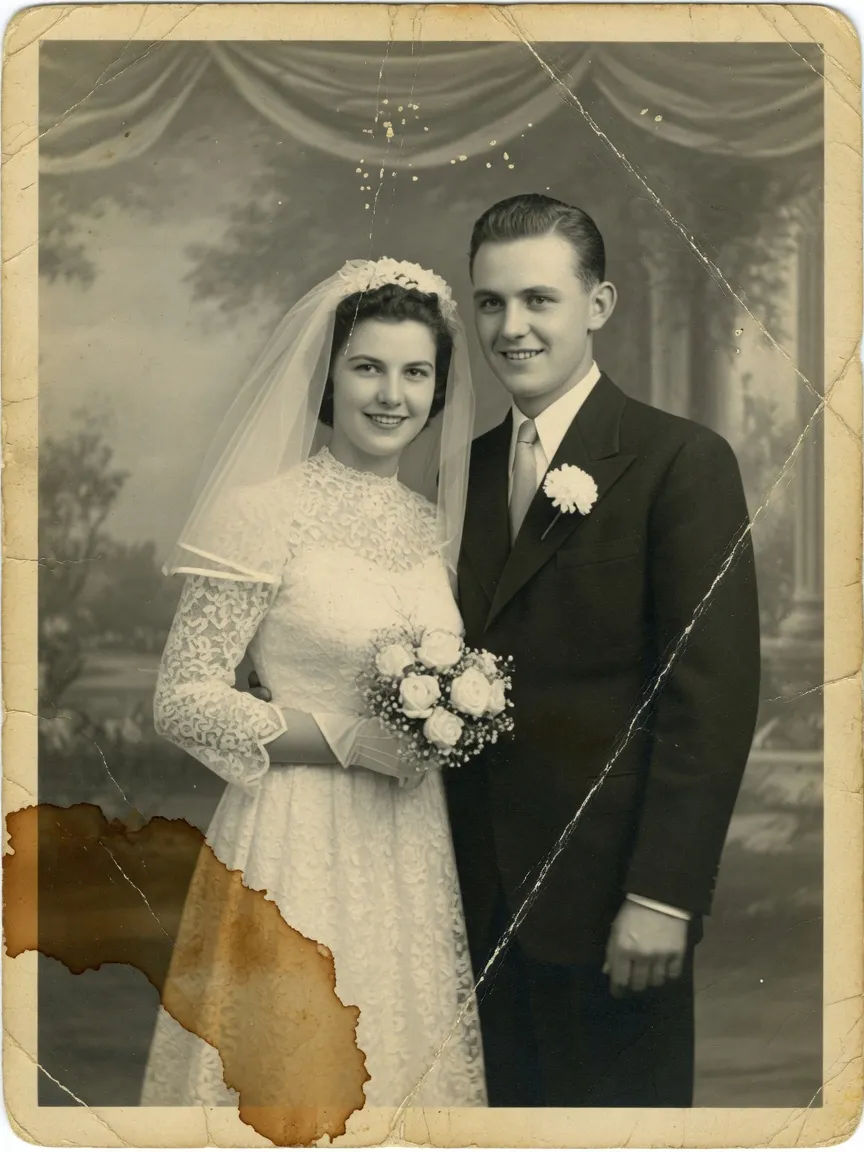
Remove hairline scratches, crease folds, stains, mold spots, and torn corners. Missing areas are reconstructed from surrounding texture.
AI old photo restoration
Bring faded family pictures back to life.
Repair scratches, tears, stains, and blur, then colorize black-and-white photos with natural tones. Identity stays the same — no beautify, no face swap.
Online generator
Upload a scanned print or phone photo. Choose restore, colorize, or keep the vintage film look, then download a high-resolution result.
Upload · repair · download
Restore mode
Resolution
Restored
Waiting for a photoYour restored photo will appear here
Upload a damaged, faded, or black-and-white photograph to start.
Scan or photo of the print
Repair, colorize, or keep vintage
High-resolution restored print
What it repairs
Built for the jobs people actually search: old photo restoration, black-and-white colorize, and making a blurry family picture clear again.
Remove hairline scratches, crease folds, stains, mold spots, and torn corners. Missing areas are reconstructed from surrounding texture.
Add natural, period-appropriate color to black-and-white and sepia portraits — soft skin tones, not neon or plastic.
Recover contrast, clarity, and facial detail from yellowed, faded, or soft analog prints without over-processing.
Faces, ages, expressions, hairstyles, and clothing stay the same. The model restores the print — it does not reinvent the person.
Before and after
Scratches, stains, faded color, and black-and-white portraits — restored without swapping faces.
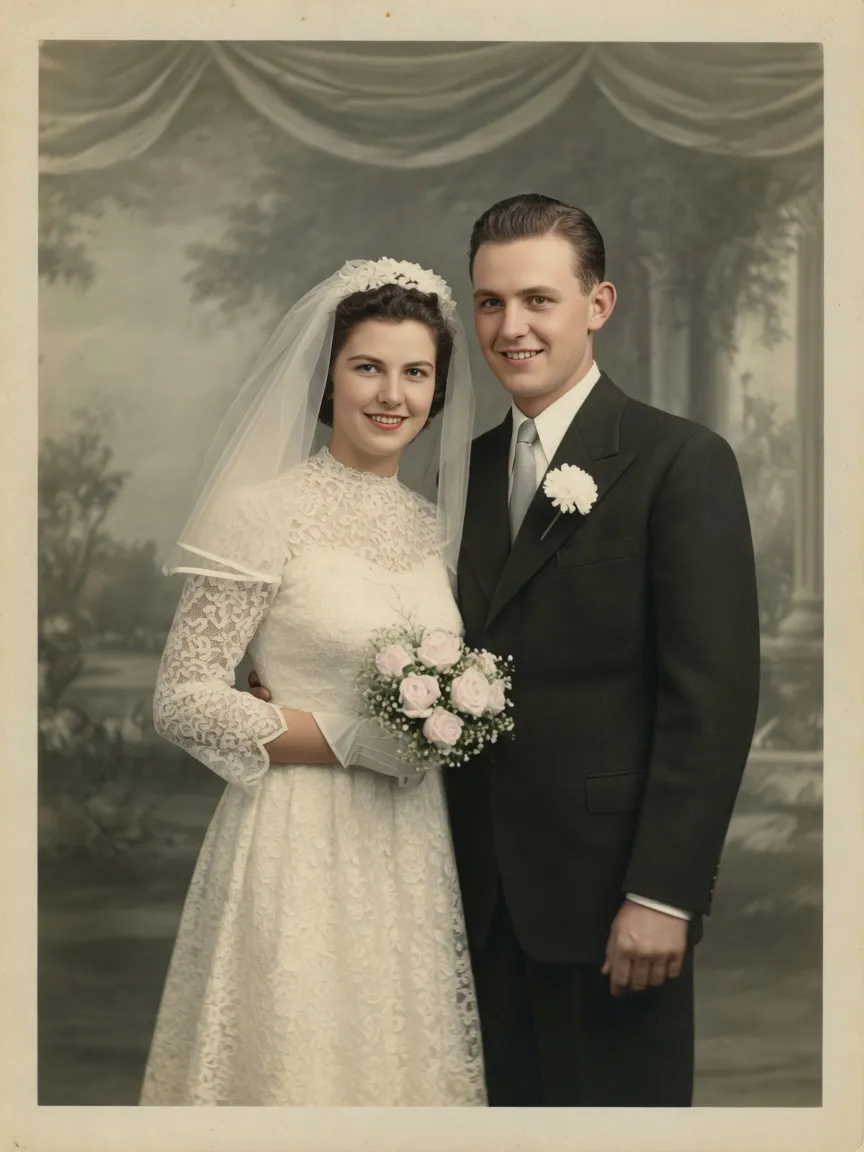
1950s black-and-white wedding print, colorized with natural skin and ivory lace.
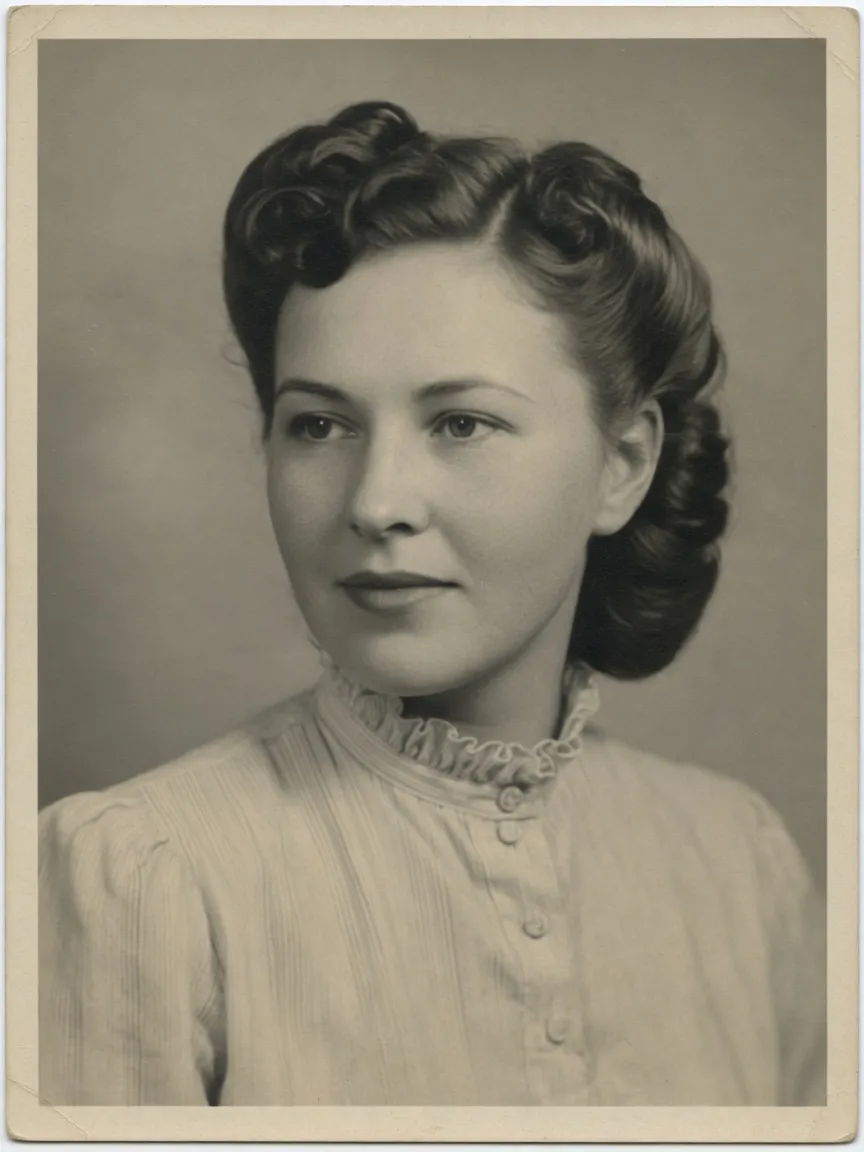
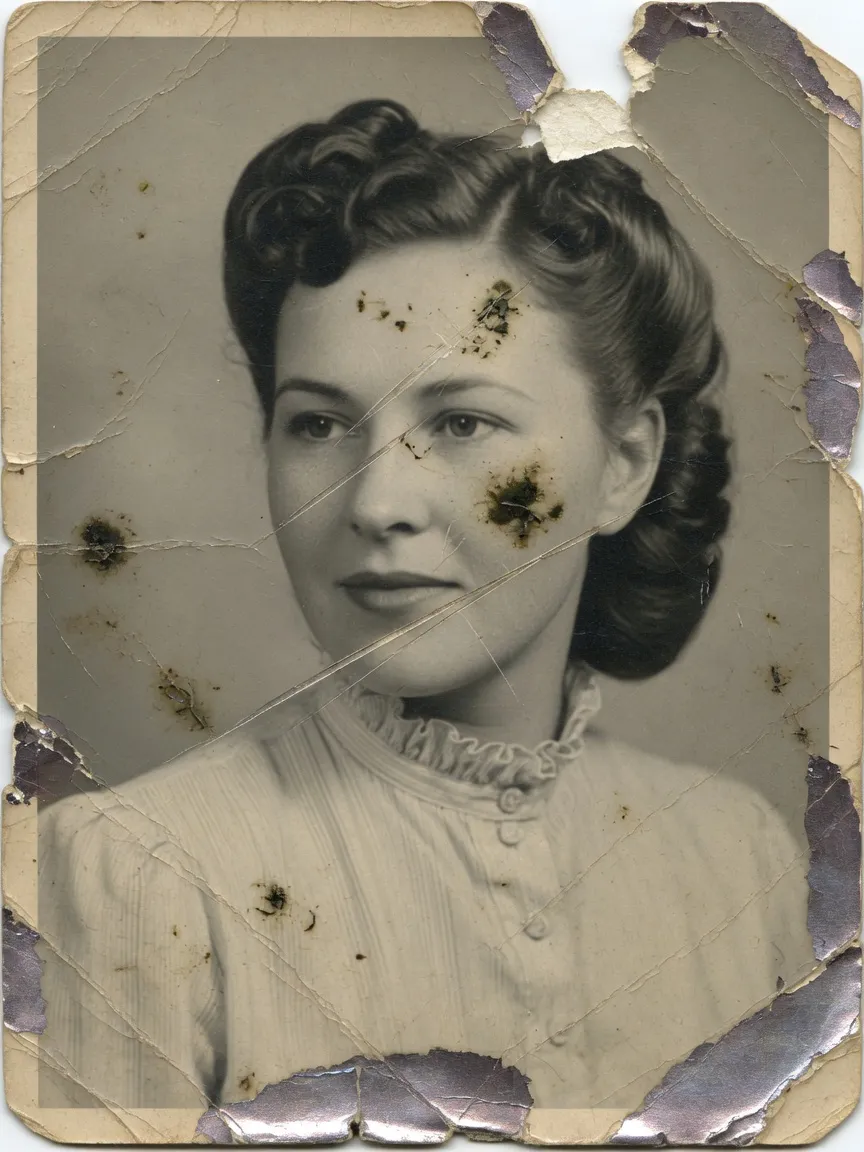
Torn studio portrait with mold spots, reconstructed while staying black and white.
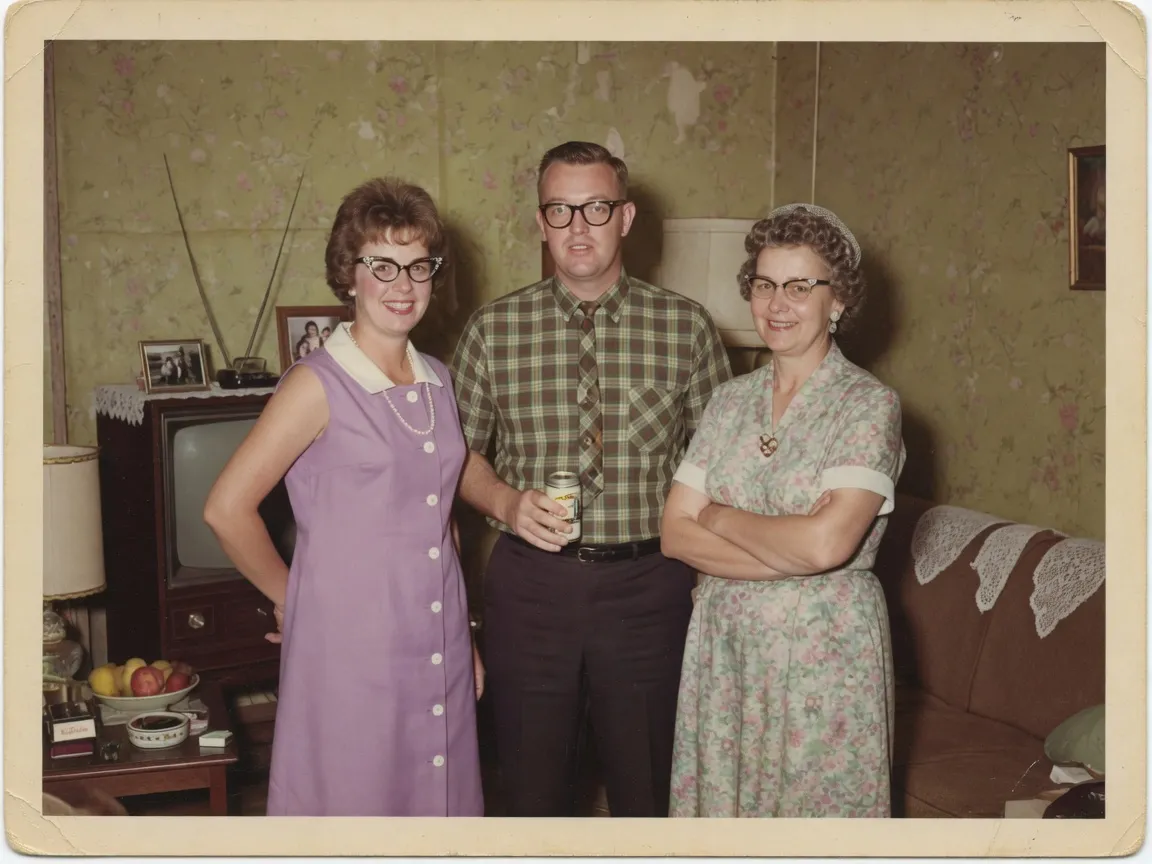
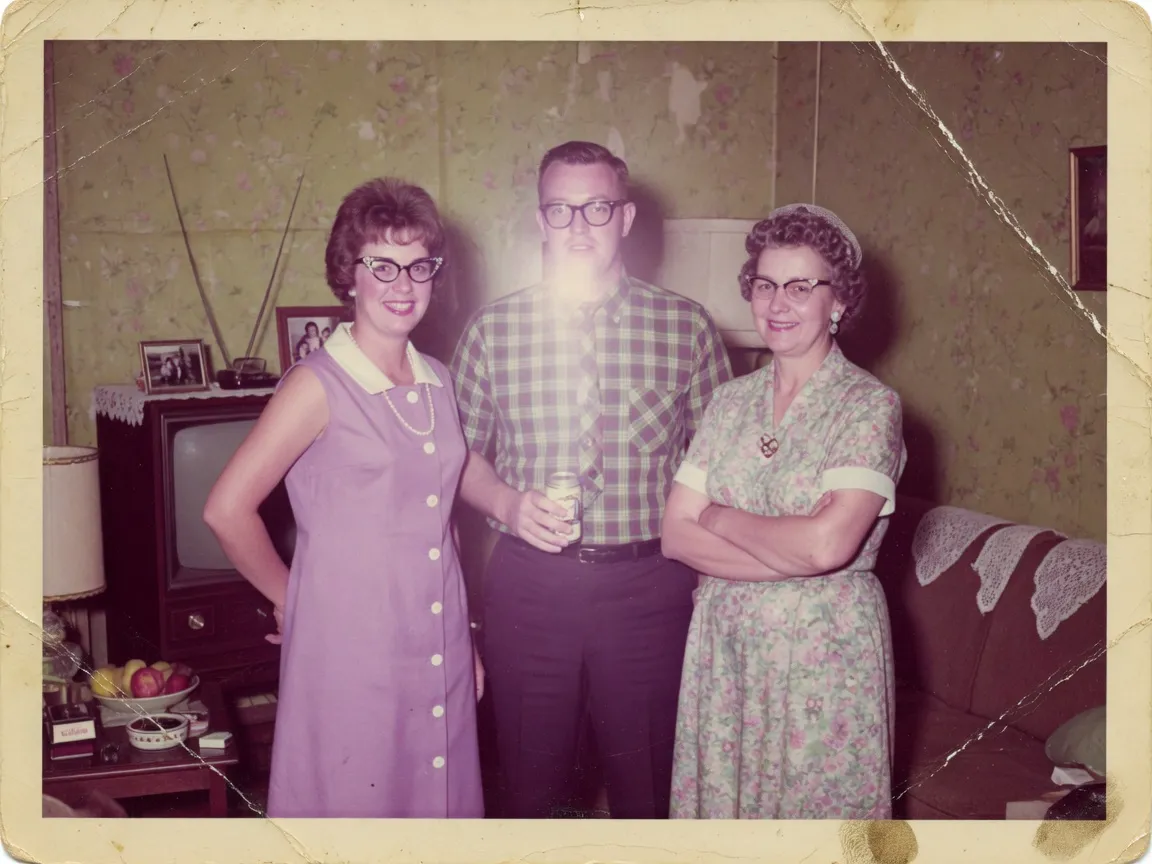
Yellowed 1960s color print with creases and flash, color-corrected and cleaned.
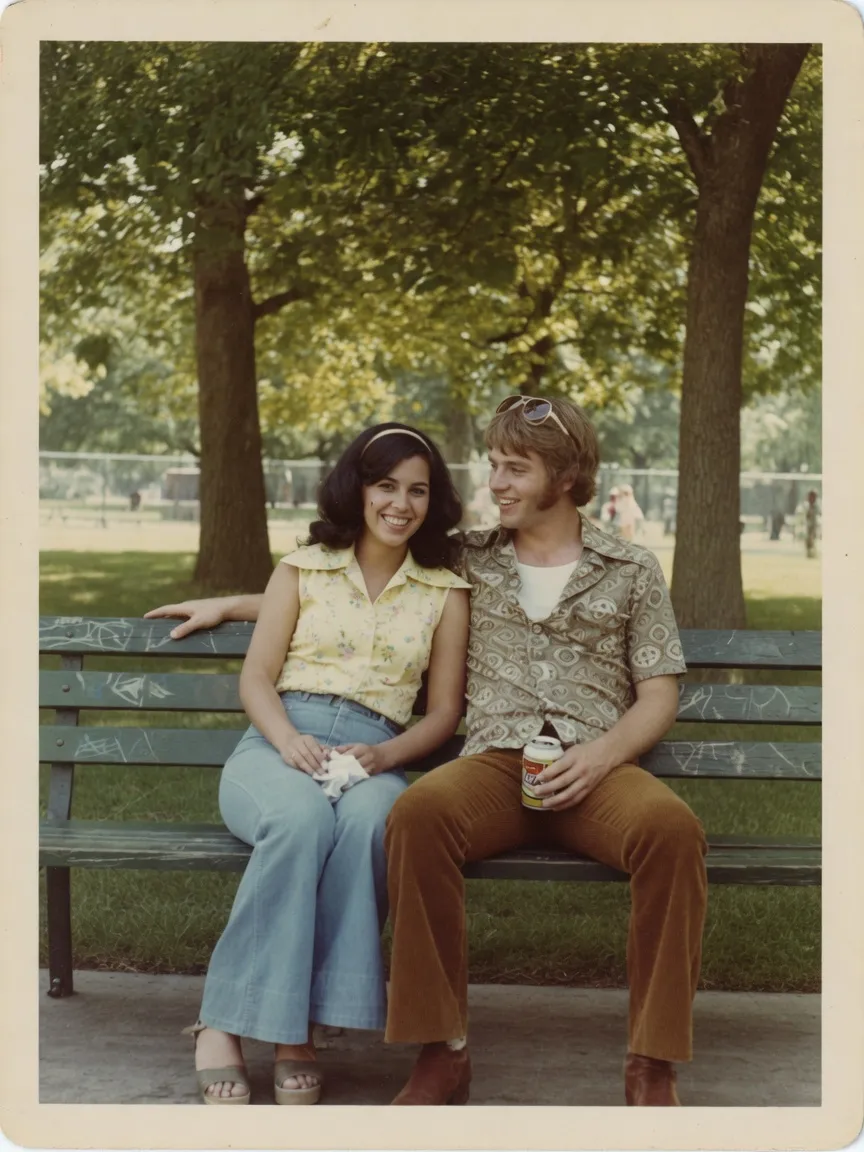
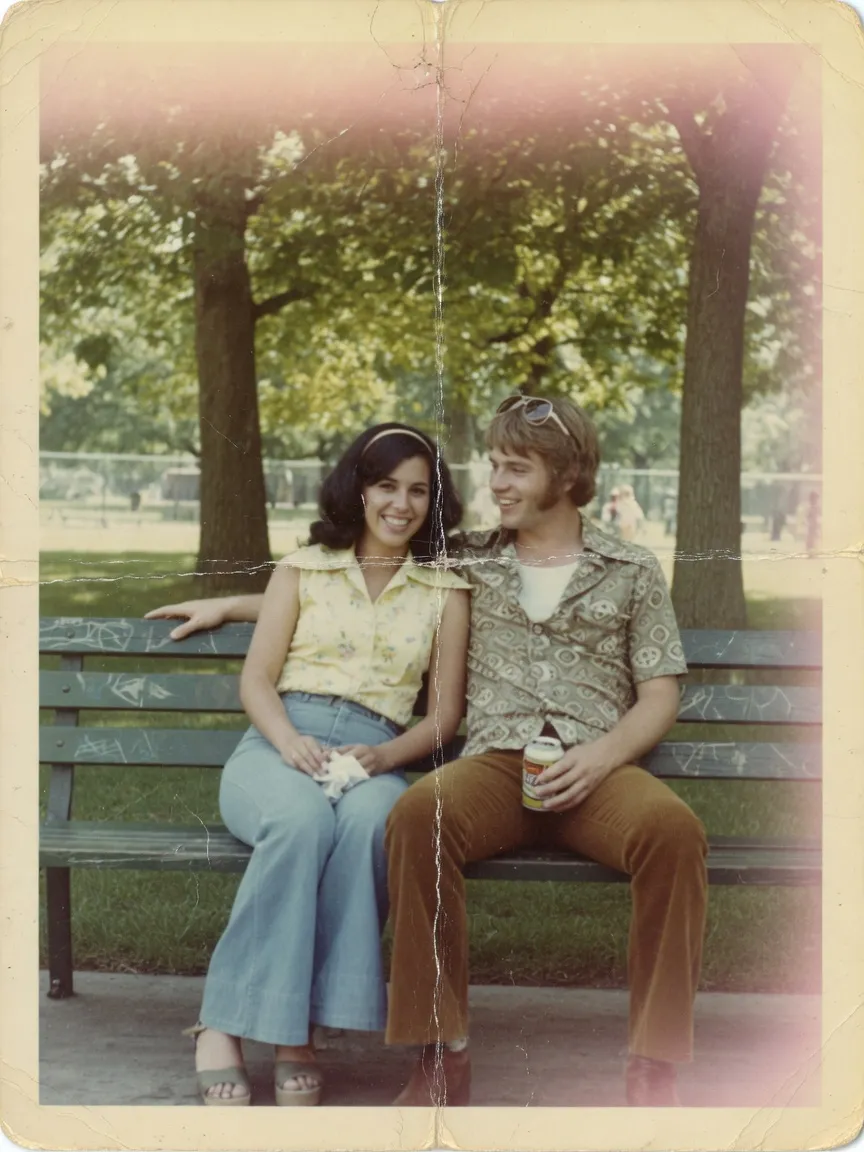
Folded, sun-bleached park photo restored with period-accurate color.
How it works
The restore runs as an identity-preserving image edit. You stay in control of colorize versus a faithful repair.
Use a scan or a well-lit phone photo of the print. Higher-resolution sources keep more facial detail.
Repair damage only, colorize a black-and-white portrait, or keep authentic vintage film texture.
Review the before/after slider, then save a clean photograph you can reprint or share with family.
Who it is for
The same restore that repairs a wedding print also helps family historians and anyone digitizing a box of photographs.
Repair the wedding portrait, the faded living-room snapshot, and the portrait that has lived in a drawer for decades.
Colorize black-and-white ancestors without inventing a different face. Keep age, expression, and clothing intact.
Scratches, tears, water stains, and mold on paper — reconstructed from nearby texture instead of cropped away.
FAQ
What the AI can repair, how colorize works, and how identity is protected.
Every plan unlocks the same Filter Remover. Yearly billing cuts the list price by up to 25% and lowers the cost per restore.
Same Basic plan, billed yearly at the lowest Basic rate.
Includes
Best balance of yearly volume and price per restore.
Includes
Maximum yearly volume at the lowest price per restore.
Includes
Family photos, restored