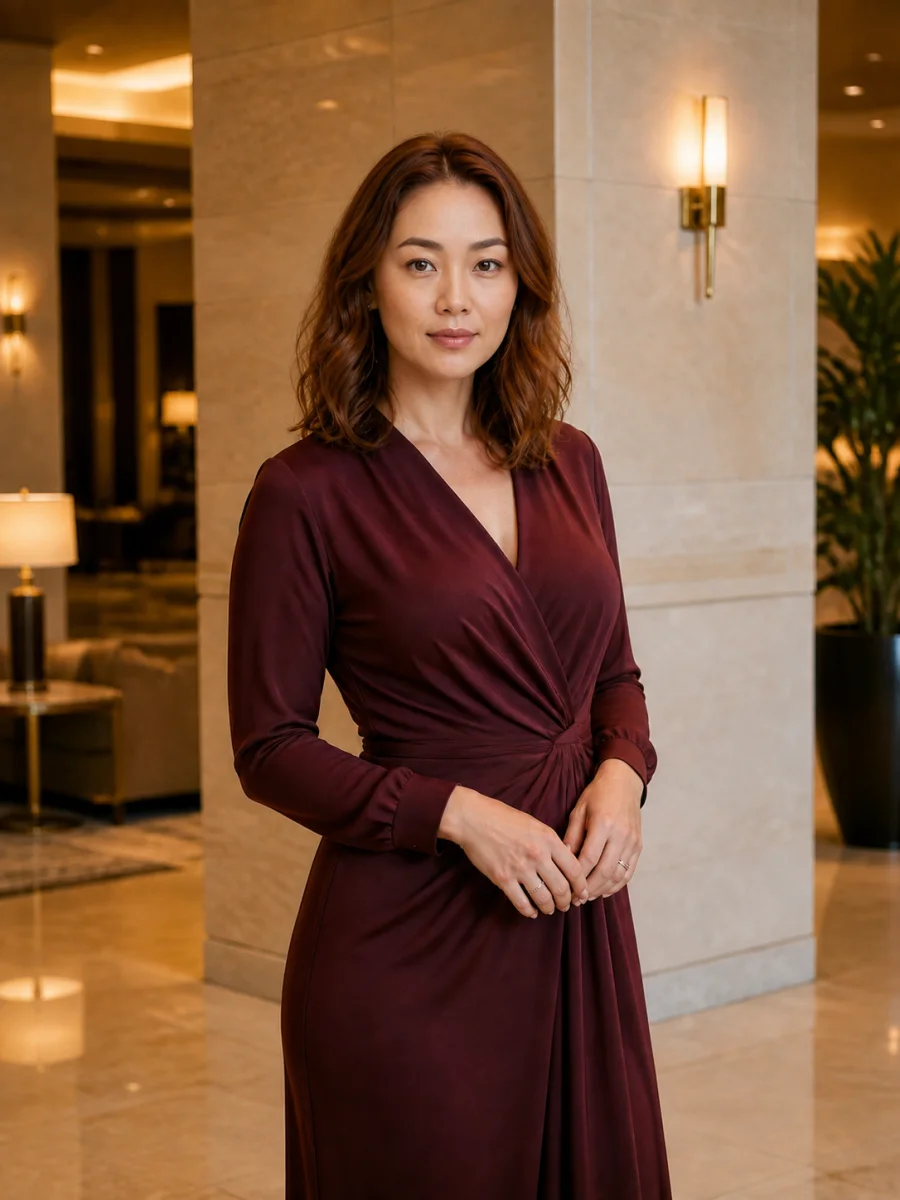
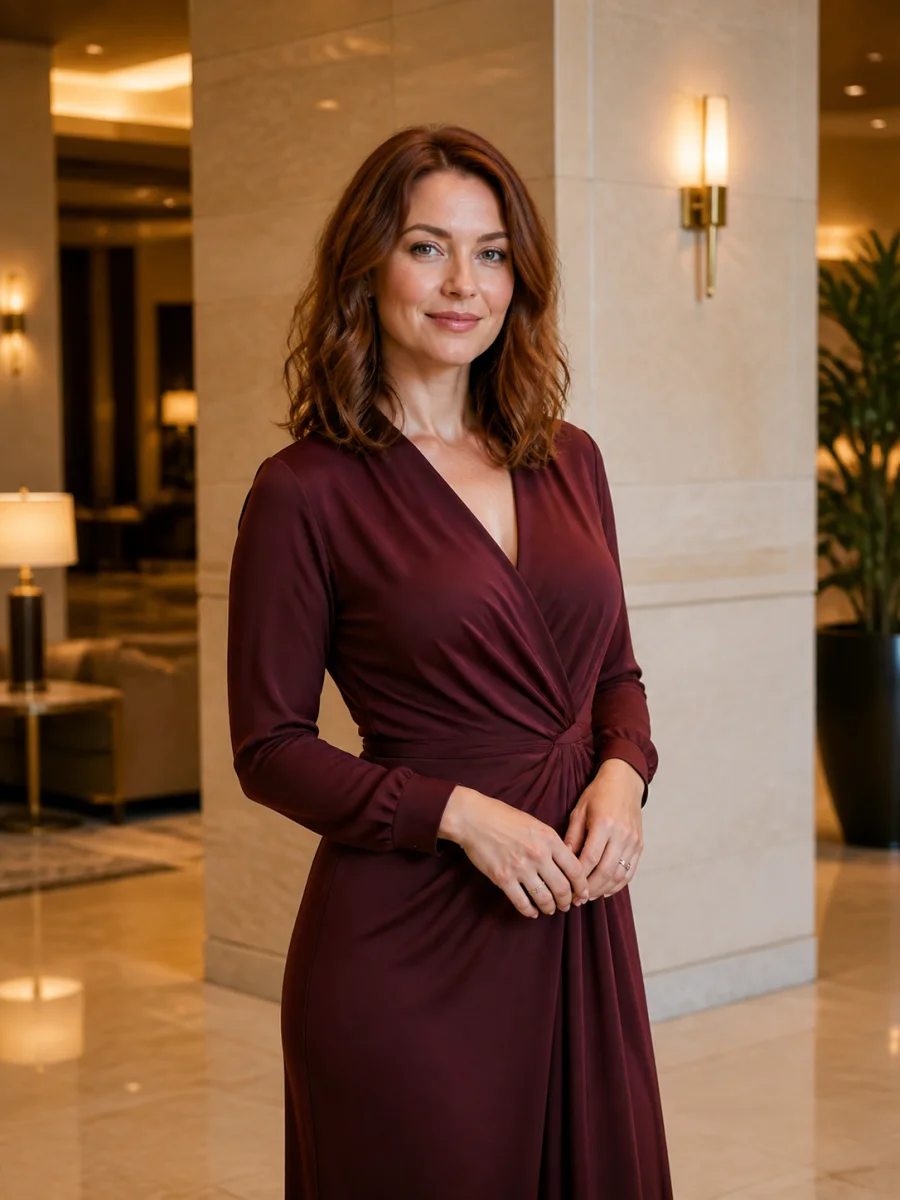
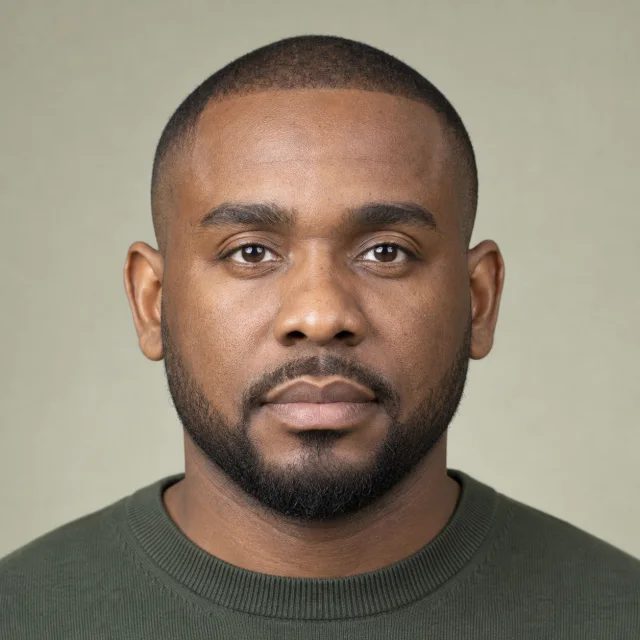
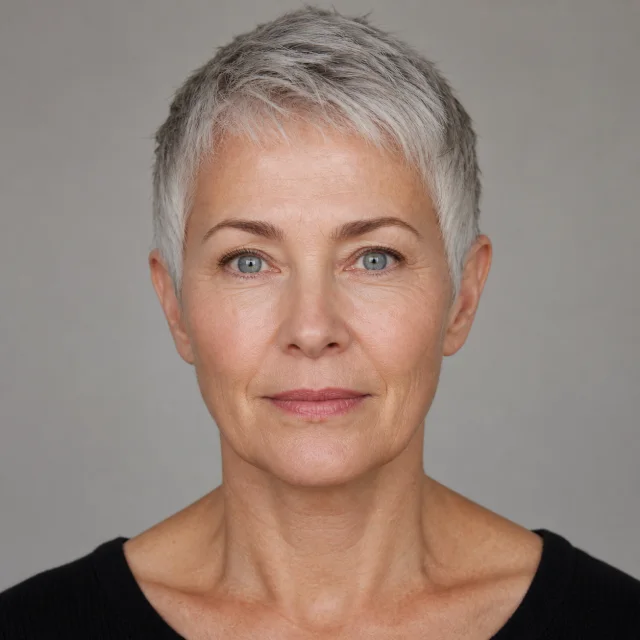
Use one face. Keep the other photo exactly where it belongs.
Upload a clear source face and a target photo. AI Face Swap transfers facial identity while keeping the target expression, pose, hair silhouette, clothing, lighting, and background as consistent as possible.
Two-image identity transferTarget scene preservedConsent required
Before
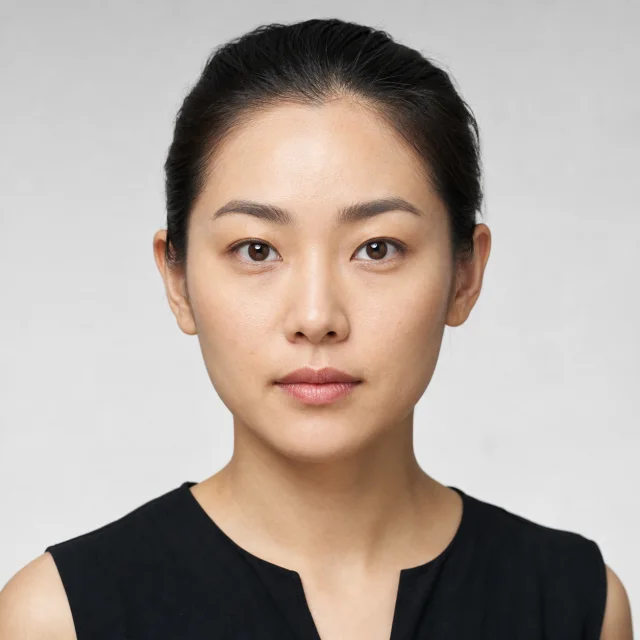
Source face
After
The source portrait appears only on the Before layer. Drag fully toward After and the source thumbnail disappears with it.
Online photo editor
Free AI Face Swap generator
Image 1 supplies the identity. Image 2 supplies the pose, expression, hair, clothes, light, and setting. The fixed edit prompt tells the model to replace only the face.
AI Face Swap
Source face · target photo · result
Grok Image 2 edit
Source face
Identity to transfer
Target photo
Scene to preserve
Resolution
Face swap result
Waiting for two photos
Your result will appear here
Add a source face and target photo, confirm permission, then generate the edit.
Focused identity editing
What makes this Face Swap AI workflow different?
A convincing result is not just a new face pasted over an old one. The edit has to respect two images at once: identity comes from the source, while the visual logic of the photograph comes from the target.
Identity from the source
AI Face Swap uses the first image to reference facial structure, eyes, nose, mouth, eyebrows, skin characteristics, and distinctive features. A sharp portrait gives the model more reliable identity information than a distant crop.
Composition from the target
The second image remains the base. Its body, pose, clothing, hairstyle outline, background, camera angle, crop, and depth of field define the final composition instead of being rebuilt from scratch.
Light-aware blending
The prompt asks the model to adapt the transferred face to the target color temperature, shadow direction, skin texture, jawline, ears, hairline, and neck so the transition feels part of the original photograph.
Permission before generation
The generator requires a consent confirmation. Use photos you own or are authorized to edit, and never create deceptive impersonations, scams, harassment, or non-consensual intimate material.
Three-step workflow
How Face Swap AI works
The workflow deliberately separates who the person should look like from where that person should appear. That makes each upload role easy to understand and gives the edit model a clear instruction hierarchy.
1
Upload a source identity
Start with a close, well-lit portrait of the adult face you want to transfer. A front-facing or gentle three-quarter view works best because the eyes, nose, cheeks, mouth, jaw, and hairline are all visible. Avoid motion blur, sunglasses, hands over the face, heavy beauty filters, or tiny group-photo crops.
2
Add the target photograph
The target controls everything outside facial identity. Choose the pose, expression, outfit, hairstyle outline, environment, light, and framing you want to keep. Similar source and target head angles usually reduce distortion because the model has less facial geometry to invent.
3
Generate, compare, and review
After confirming permission, generate the result and drag the comparison handle. Check recognition first, then inspect the eyes, teeth, hairline, ears, jaw, neck, and shadow edges. If one area drifts, try a clearer source, a closer angle match, or another generation rather than adding a long prompt.
One change, many invariants
What changes—and what should stay fixed
The core AI Face Swap prompt creates a strict division between the two inputs. That division is more useful than a general instruction to make the person look similar.
Change: facial identity
The source photo contributes the recognizable facial identity: overall face shape, eye structure, eyebrows, nose, mouth anatomy, cheeks, skin characteristics, and other distinctive features. The model adapts those traits to the target head angle and expression rather than copying the entire source portrait. Source hair, clothing, studio background, camera crop, and body are not supposed to travel into the result.
Keep: the target photograph
The target photo contributes the original expression, gaze, head pose, body, outfit, hairstyle silhouette, accessories, background, camera position, crop, light direction, shadows, and composition. Preserving these elements is what makes the output a face replacement instead of a newly generated portrait. Always compare the whole frame, not only a zoomed-in face, because a realistic local edit should leave the surrounding image stable.
Three-image proof
AI Face Swap examples with the source included
Each example shows the identity reference in the upper-left corner of the Before layer. The curved arrow explains where the identity goes; move the slider fully to After and both the source portrait and arrow are clipped away.
Before
Source face
After
Coastal travel portrait
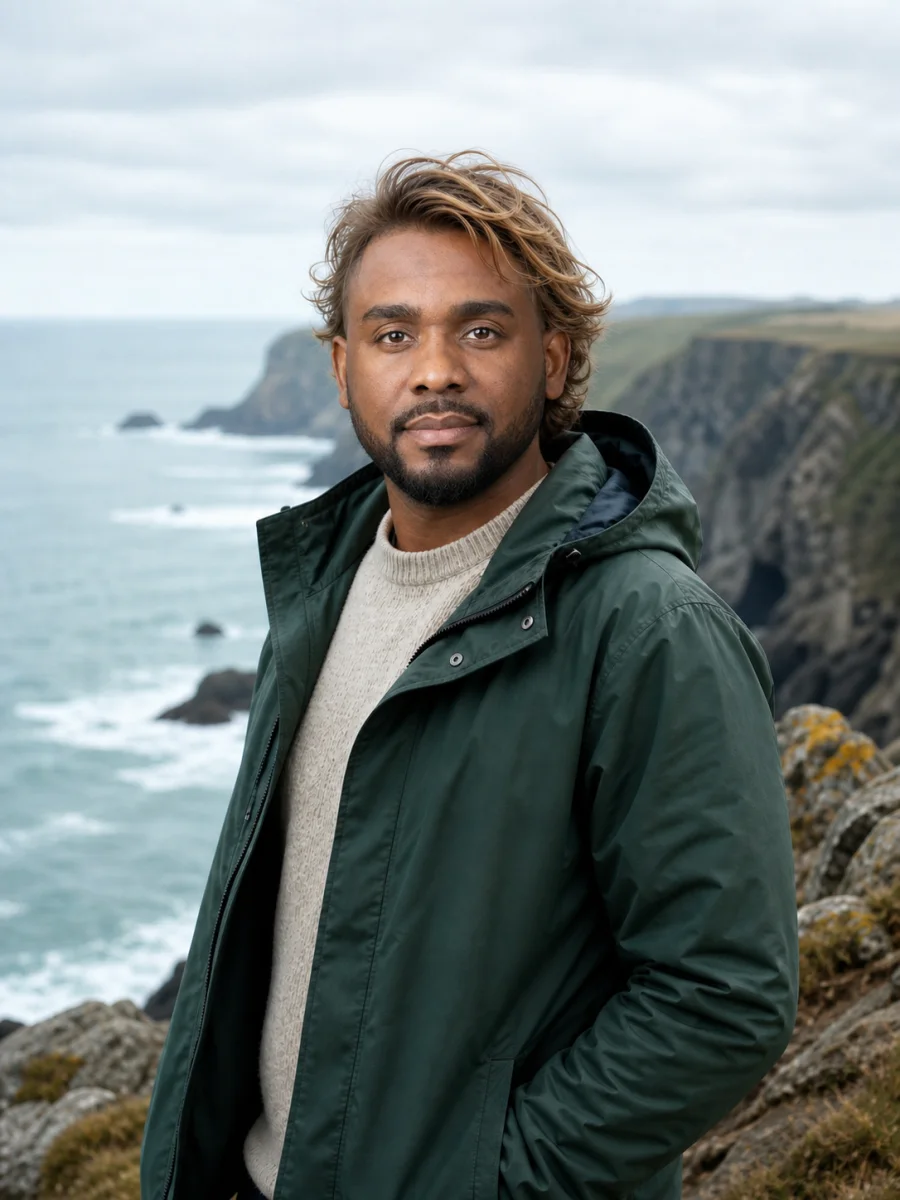
The source face is adapted to a cool, overcast coastal scene. The target jacket, sweater, windblown sandy hair outline, cliffs, body angle, and crop remain consistent.
Before
Source face
After
Mature editorial portrait
Mature skin detail and gray-blue eyes come from the source while the target bob hairstyle, navy blazer, seated pose, coffee cup, window light, and cafe remain in place.
Input and review guide
How to get a realistic result with Face Swap AI
Most weak results come from conflicting visual evidence, not from a missing magic phrase. Improve the two photographs first, then evaluate the output at both normal viewing size and close range.
01
Match head angle before chasing detail
A straight-on source paired with a target in a sharp side profile forces the model to invent how the identity looks from an unseen angle. When possible, pair front with front or three-quarter with three-quarter. The source does not need the same expression, clothing, or background, but it should reveal the facial structure needed by the target pose. For unusual angles, use another source portrait taken closer to that direction. This single change often helps more than increasing resolution.
02
Use honest, evenly lit source photos
Choose a portrait where the face fills a useful part of the frame and remains sharp around the eyes, nose, lips, jaw, and hairline. Soft, even light is portable because the model can adapt it to a different scene. Hard colored light, deep shadows, heavy makeup, beauty smoothing, compression artifacts, and filters may be interpreted as part of the identity. If you want natural pores and mature skin in the result, provide those details in the source instead of trying to recover them later.
03
Let the target expression stay in charge
The source tells the model who; the target tells it how that person is posing and reacting. A good face replacement keeps the target gaze, mouth position, eyelid openness, eyebrow tension, and head tilt. Teeth and wide expressions are more difficult than a relaxed closed-mouth look because the model must reconcile more geometry. If the smile changes, regenerate before changing every other setting. A simpler target is useful for checking identity accuracy before attempting a dramatic expression.
04
Inspect boundaries, not only likeness
Recognition is only half of realism. Zoom in on the hairline, temples, ears, jaw, neck, teeth, glasses, earrings, and cast shadows. Then zoom back out and confirm that the body, outfit, hands, props, background lines, and crop did not move. A face can look detailed yet still feel pasted on when color temperature or shadow softness differs from the neck. The best result is the one that belongs to the whole photograph, not merely the sharpest face crop.
Practical, consented uses
What can you make with Face Swap AI?
Use identity editing for transparent creative work, personal previews, and authorized production—not to fabricate evidence or mislead people about who did or said something.
Creative portraits and characters
Place your own face into an authorized costume, fantasy portrait, travel concept, or stylized production still while keeping the target pose and art direction. It is a quick way to test a visual idea before arranging a full shoot, provided every photographed person has agreed to the edit and the result is presented honestly.
Previsualization for campaigns
Teams can preview how an approved spokesperson or synthetic character identity might read in an existing layout before commissioning final photography. Treat the output as a draft: check likeness, lighting, releases, disclosure requirements, and brand review before any commercial publication.
Private photo experiments
Try a profile concept, recreate a personal scene, or make a clearly fictional image with your own photos. Keep the originals, avoid uploading sensitive material, and do not publish another person's recognizable identity without their knowledge. A technically convincing result still requires responsible context.
Consent is part of the workflow
Use AI Face Swap only with images you own or are authorized to edit. Do not use it for fraud, identity impersonation, fabricated evidence, political deception, harassment, bullying, non-consensual sexual content, or any attempt to damage someone's reputation. If a realistic result could confuse viewers, label it as edited or synthetic wherever context matters.
This page uses a general-purpose image editing model rather than a dedicated biometric or geometric face-swap engine. Results may change expression, skin tone, facial proportions, hair edges, jewelry, or nearby pixels, especially when the source and target differ sharply in angle, age, lighting, resolution, or occlusion. Regeneration can help, but no prompt guarantees perfect identity accuracy. Review every output before downloading or publishing it.
Simple Face Swap AI pricing
Use included trial credits to test your two photos, then choose the credit pack that matches how many variations you need. A regeneration is often useful when expression or edge blending needs another pass.
Basic
$14.90$19.90/mo
Same Basic plan, billed yearly at the lowest Basic rate.
Includes
1,860 credits / year
About $0.29 per restore
2K & Medium image access
Private generations
Email support
Popular
Pro
$39.90$49.90/mo
Best balance of yearly volume and price per restore.
Includes
5,760 credits / year
About $0.25 per restore
2K & Medium image access
Private generations
Email support
Max
$79.90$99.90/mo
Maximum yearly volume at the lowest price per restore.