
✦
01 · Visibility
The sparkle announces 'AI-made'
The corner mark is small, but it is often the first thing a client or viewer notices. It can change how a finished composition is read.
Clean the mark.Keep the image.
A focused Gemini watermark remover for the visible sparkle in your own generated images—designed to restore the corner without prompting an AI editor to repaint the full frame.
Why the corner matters
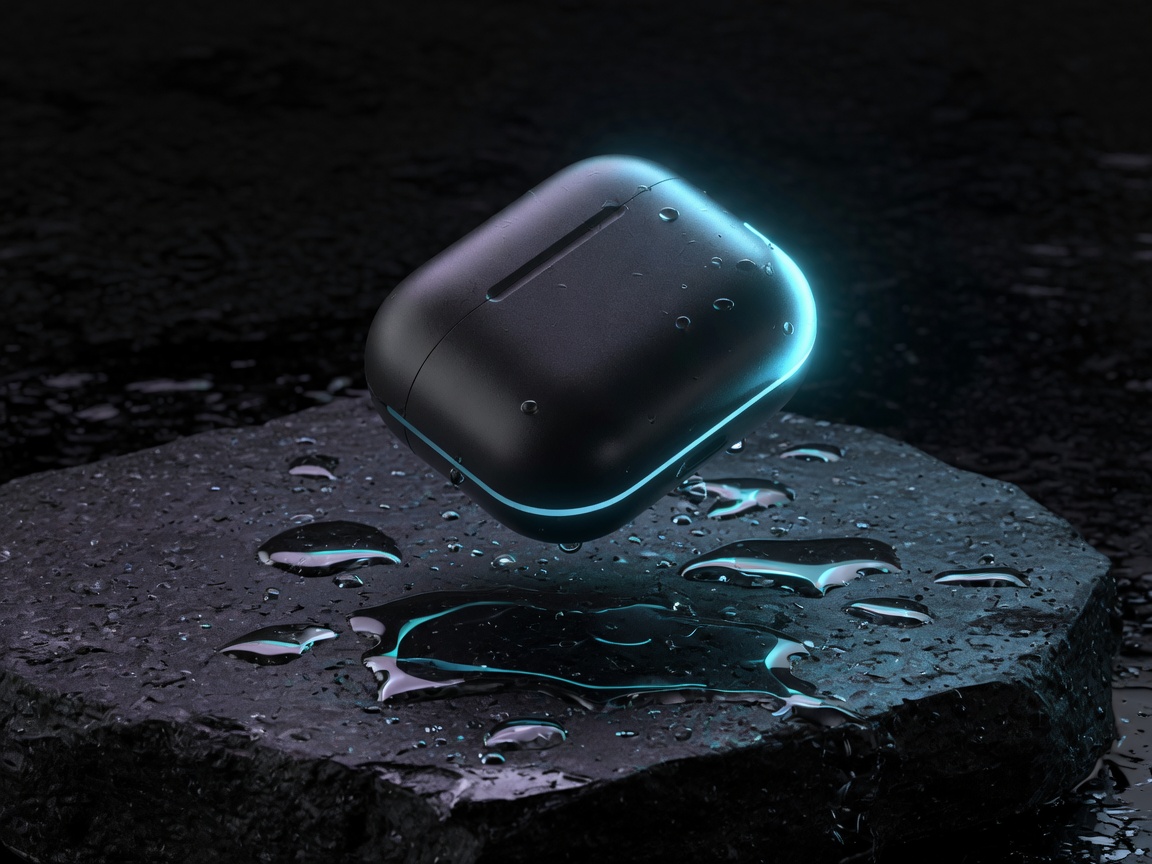
The visual panels keep your eye on the exact thing being removed before the technical details begin.
01 · Visibility
The corner mark is small, but it is often the first thing a client or viewer notices. It can change how a finished composition is read.
02 · Professional polish
On product mockups, campaign concepts, and review boards, the visible sparkle can pull attention away from the work itself.
03 · Fixed placement
The mark sits in the lower-right corner by default. Precise reconstruction keeps your original framing instead of cutting content away.
Private browser workspace
Choose an original Gemini PNG, JPG, or WebP. The two-panel workspace keeps source and cleaned result visually separate while the verified detector runs locally.
Local browser processing · no image upload
Clean output
Waiting for imageYour cleaned result will appear here
Use an original Gemini download. Current compact and legacy bottom-right sparkle profiles are detected automatically.
Original image
Compact or legacy profile
Clean copy
How it works
This Gemini watermark remover follows the deterministic reverse-alpha method used by established open-source tools.
Pixel reconstruction
Match the mark’s size and exact position.
Reverse pixels through the alpha map.
Smooth resize or JPEG compression residue.
Useful by design
Use the Gemini watermark remover for legitimate cleanup of your own drafts, product concepts, and review galleries.
Prepare your own Gemini concept images for client review, moodboards, and social layouts without cropping the composition.
Clean the corner of packaging, campaign, and product-scene explorations while keeping texture and typography in place.
Clean individual candidate images, inspect each reconstructed corner, and keep a PNG copy ready for your review workflow.
Who it is for
The Gemini watermark remover fits naturally into creative, commerce, and client-review workflows when you own the image or have permission to edit it.
Prepare your own Gemini visuals for thumbnails, posts, carousels, and campaign drafts without cropping away the lower-right corner.
Clean product concepts, packaging studies, and merchandising mockups before placing them into storefront or review layouts.
Bring approved Gemini assets into presentations, moodboards, and ad compositions while preserving the original canvas size.
Polish authorized concept drafts before client review and keep a clean PNG copy alongside the original source image.
Use it only on images you own or are authorized to edit. Removing a visible mark does not grant new usage rights.
Invisible provenance is not removed.
Canvas PNG export does not preserve source metadata.
Edit only images you are allowed to use.
Compression can leave subtle corner artifacts.
FAQ
Clear answers about what this workflow is designed to do—and what it deliberately leaves alone.
Private by architecture