
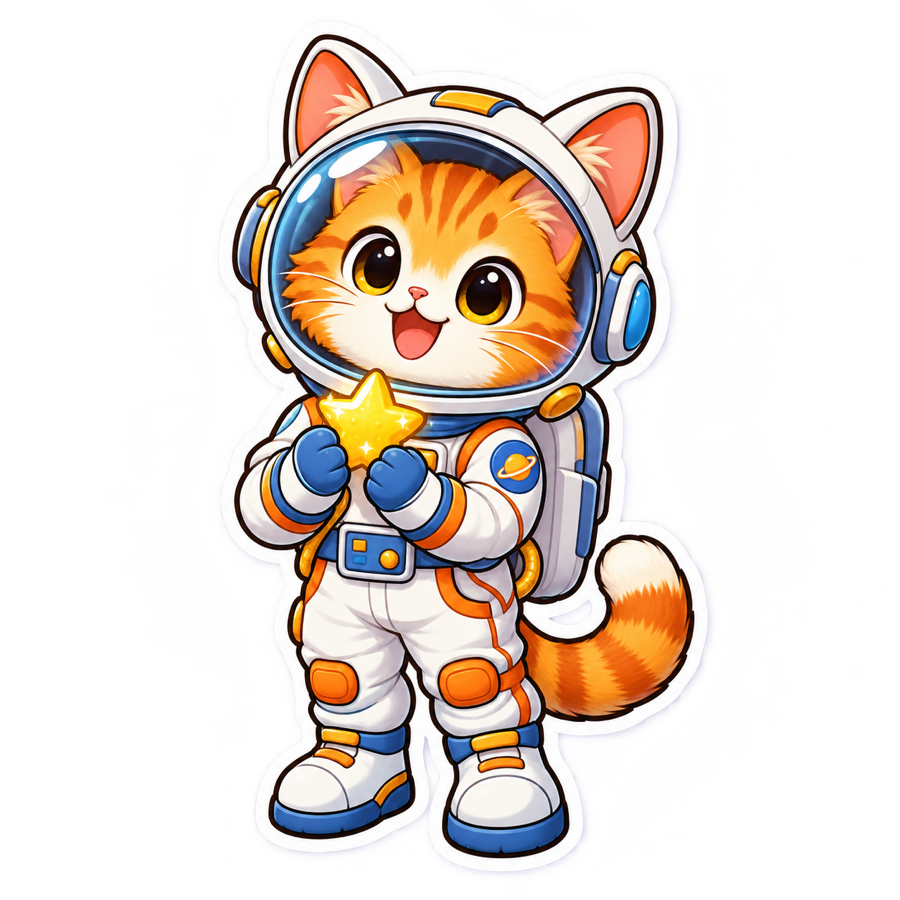
Kawaii cat astronaut
KawaiiA complete character silhouette, bright face, simple pose, and generous white contour stay readable even when the image is small.
Text to sticker · six styles · one finished result
Turn one clear idea into a centered sticker concept with a bold silhouette and thick white contour. This AI Sticker Generator keeps the tool in the first screen, so you can start with the prompt instead of reading a model overview.
AI Sticker Generator
3 creditsOne subject and one clear action usually produce the cleanest silhouette.
58/800Quick ideas
Click to loadChoose the visual style
Creates one 1:1 image. Generated file transparency can vary; review the final PNG before print use.
Your finished sticker will replace this example
The preview shows the intended treatment: one complete subject, a readable outline, and no before-and-after comparison.
Finished sticker examples
These project-owned examples show three distinct jobs the AI Sticker Generator is designed for: a cute character, a dimensional mascot, and an expressive profile sticker. Each asset is an original transparent PNG displayed on a colored card.
A complete character silhouette, bright face, simple pose, and generous white contour stay readable even when the image is small.
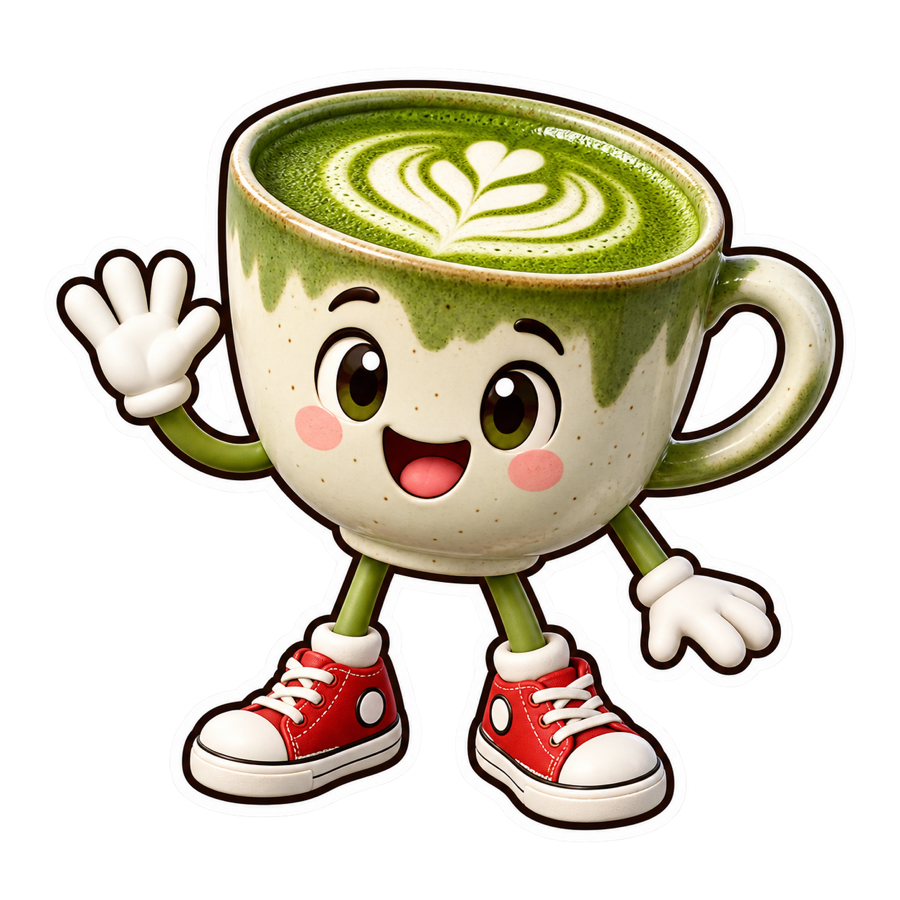
Tactile ceramic, red sneakers, and one waving gesture turn a drink idea into a friendly original mascot concept.
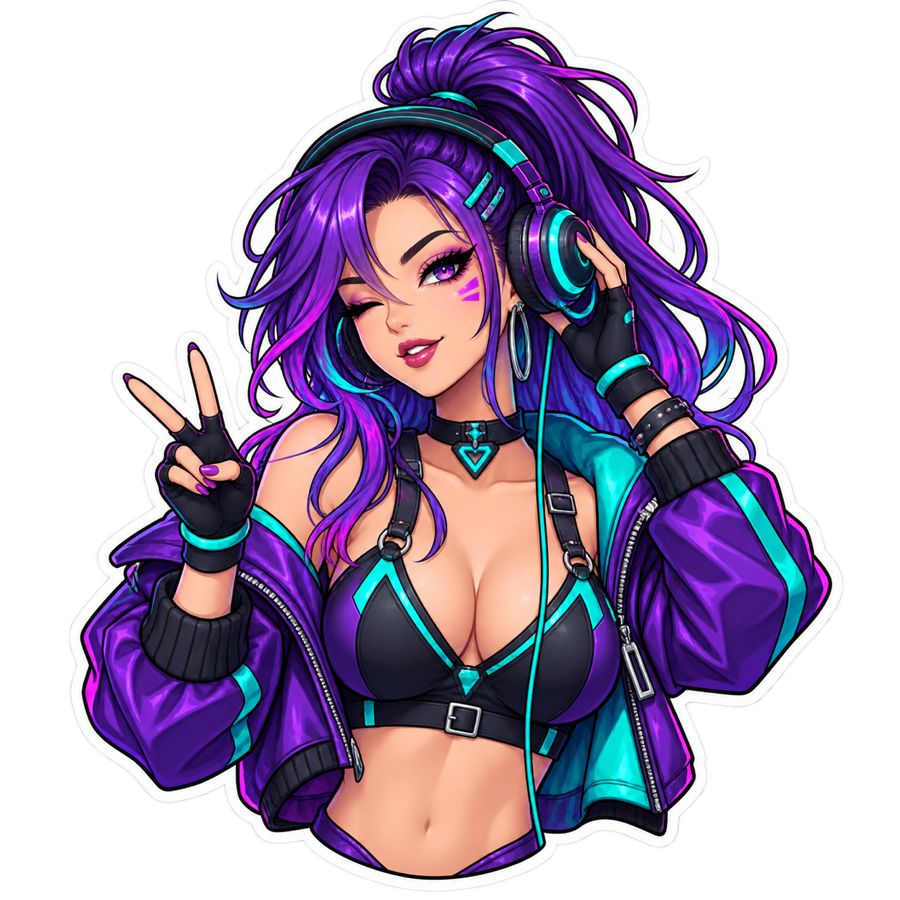
A strong violet-and-teal palette and controlled waist-up crop create a profile sticker without an unrelated background scene.
Prompt presets
A useful sticker prompt names the subject, one action or prop, and a visual direction. Load any preset into the generator, edit the details, and choose the style that fits your idea.
How it works
The AI Sticker Generator uses a short text-to-image workflow. You control the idea and style; the page adds composition constraints that favor a finished die-cut look.
Name the character or object, then add one pose, action, or prop. A cat holding a star is easier to compose than a crowded scene with five characters.
Pick kawaii, chibi, anime, soft 3D, vinyl, or retro. The selected style adds useful visual language without forcing you to write specialist prompt terms.
Open the result at full size and check the contour, face, hands, small details, and background. Regenerate when the silhouette or text is not clean enough.
Prompt tips that prevent common failures
Sticker generation becomes less predictable when the prompt asks for a full scene, several overlapping subjects, or exact typography. These three constraints solve most first-attempt problems.
Ask for one centered subject and a complete silhouette. If a tail, shoe, wheel, or prop matters, name it and avoid a tight camera crop.
A thick white contour needs a contrasting presentation background to remain visible. A white visual background is not the same thing as true alpha transparency.
Image models can misspell words or invent marks. Generate the illustration first, then add critical names, slogans, or cut paths in a design editor.
Popular uses
Use the generated image as a creative starting point, a shareable reaction, or a visual brief. Keep the final destination in mind when you choose detail level and style.
Create expressive characters, objects, and reactions that still read clearly at messaging-app size.
Explore original avatars and themed character concepts for social profiles or community spaces.
Turn a product, animal, or object into a friendly mascot direction before refining a brand system.
Generate a visual direction for a die-cut sticker, then prepare resolution, bleed, color, and cut paths separately.
What the output does—and does not—guarantee
The AI Sticker Generator aims for a finished sticker treatment, but generative output is not automatically a manufacturer-ready production file.
Each sticker generation uses 3 credits. Try the default prompt, then choose a credit pack or plan when you want more styles and variations.
不想订阅时的一次性补量。
包含
项目冲刺用的更大一次性包。
包含
不订阅时的最大一次性包。
包含
Frequently asked questions
What the generator creates, how transparency works, what to write, and what to check before printing or publishing.
An AI Sticker Generator turns a text description into a sticker-style image. This page adds a selected visual style plus composition instructions for one centered subject, a complete silhouette, a bold outline, and a thick white contour. It produces one finished result rather than a before-and-after comparison.
It can produce a transparent-looking or genuinely transparent result, but alpha transparency is not guaranteed for every generation. A model may render the white contour on a solid background. Open the downloaded PNG in an editor that shows a checkerboard and verify the alpha channel before using it in a layout or print workflow.
Use one centered subject, ask for the complete silhouette, and avoid a busy scene. The page automatically adds a bold clean outline, thick even white contour, contrasting simple background, and instructions to avoid hands, packaging, mockups, and extra objects.
You can use the result as a print design concept, but review it before production. Confirm resolution, alpha transparency, bleed, safe margins, color mode, and cut paths with your printer or cutting software. A visually finished image is not automatically a print-ready manufacturing file.
Image models may misspell words, merge letters, or invent symbols. For reliable names and slogans, generate the illustration without text and add typography afterward in a design editor. Short decorative lettering can still work, but it should always be checked closely.
Use original characters, your own material, or subjects you have permission to use. Do not assume that a generated variation removes copyright, trademark, publicity, or privacy obligations. For commercial use, verify that every subject and asset is appropriately licensed.
Your next sticker starts with one sentence
Choose one subject, add a simple action or prop, and let the sticker-specific prompt wrapper handle the contour and composition.
Create a sticker