
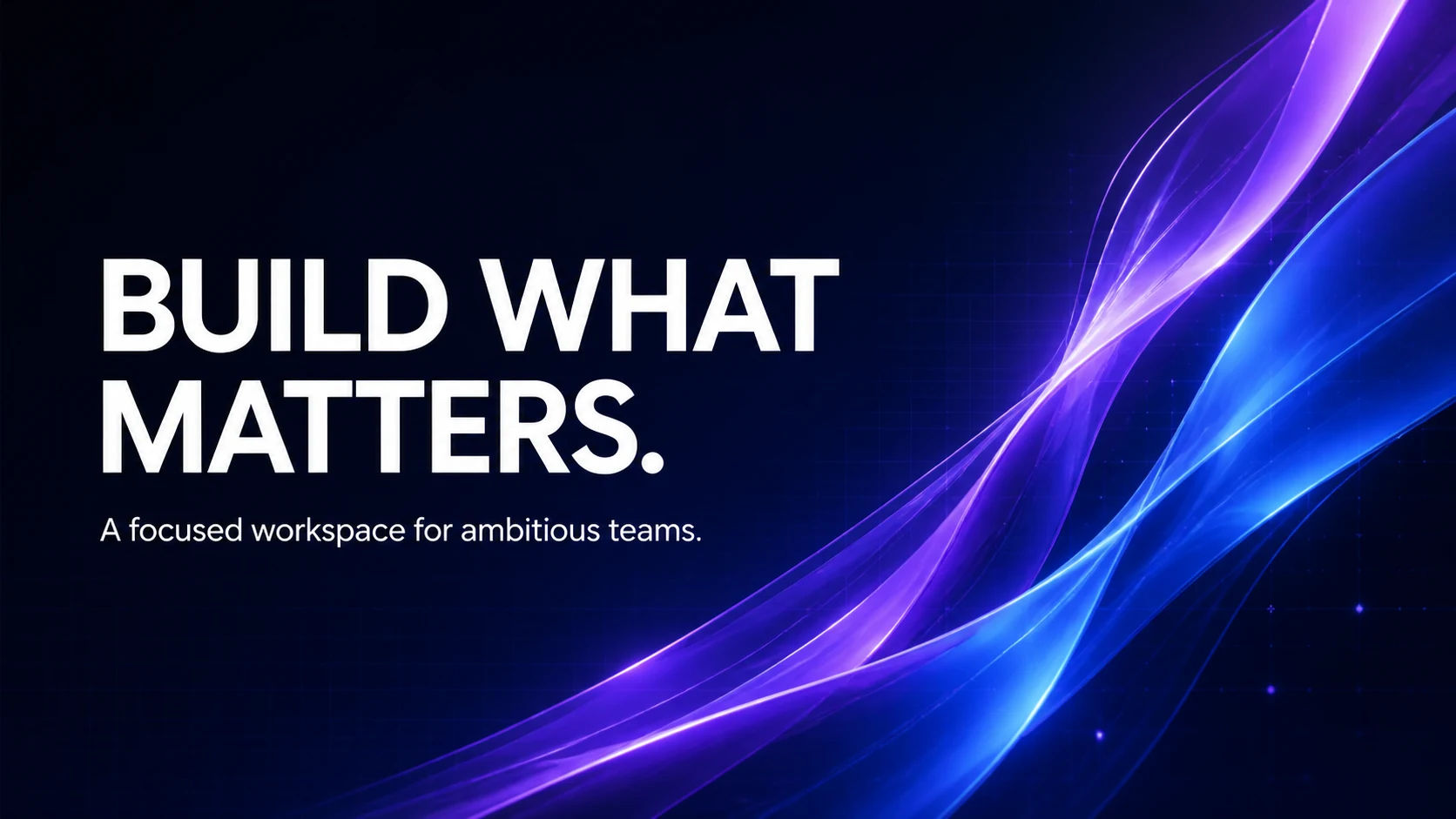
SaaS website hero
16:9A short value proposition sits on a quiet left field while luminous glass forms create movement and product energy on the right.
Wide-format design · guided briefs · finished artwork
Turn a short message into a focused wide-format design. This AI Banner Generator combines your headline, visual direction, palette, layout, and destination ratio in one practical first-screen workflow.
AI Banner Generator
3 creditsWhere will the banner be used?
Style
Text placement
Creates one 1K raster image in the selected ratio. Check spelling, crop, and current platform requirements before publishing.
Your finished banner will replace this example
The preview demonstrates a clear headline, controlled palette, strong hierarchy, and one complete edge-to-edge design.
Finished banner examples
These project-owned examples show the jobs an AI Banner Generator can explore: a website hero, channel art, and a retail campaign. There is no before-and-after slider or borrowed brand creative.
A short value proposition sits on a quiet left field while luminous glass forms create movement and product energy on the right.
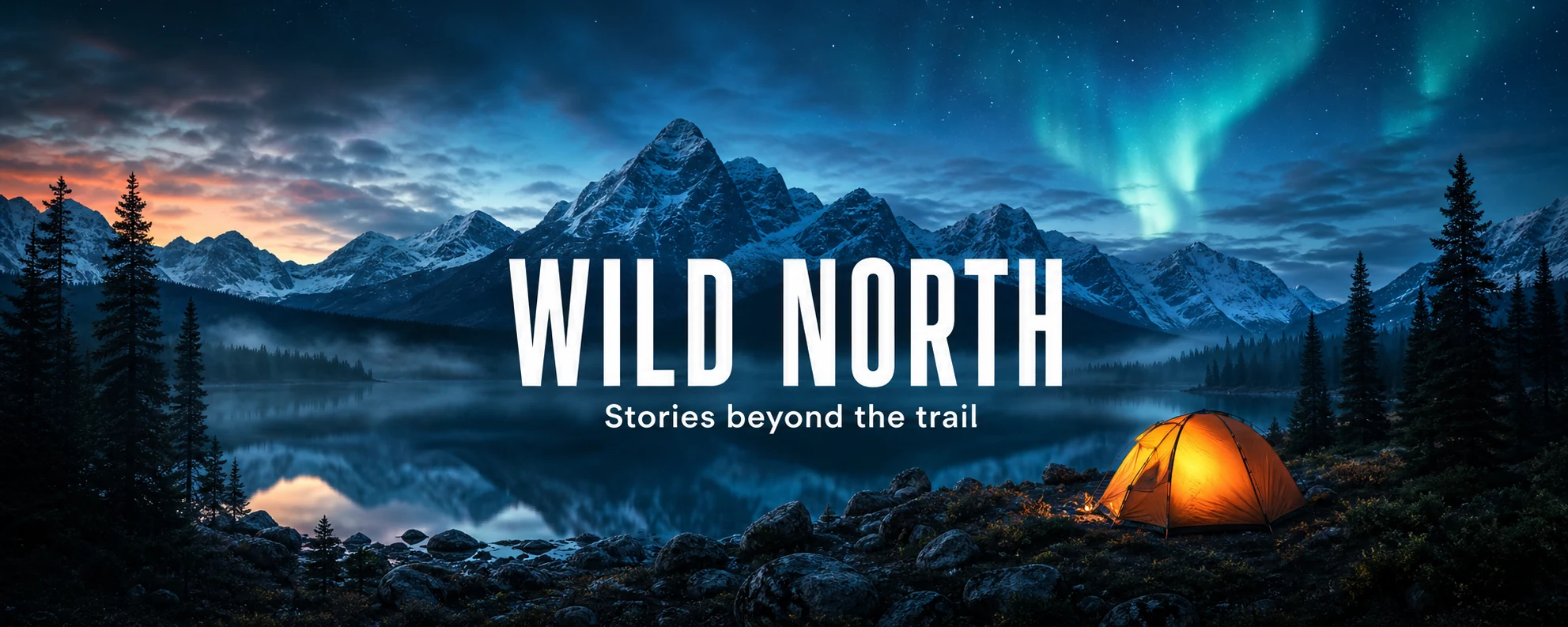
The title, supporting line, mountains, and glowing tent remain grouped near the center so the composition has room for device-dependent cropping.
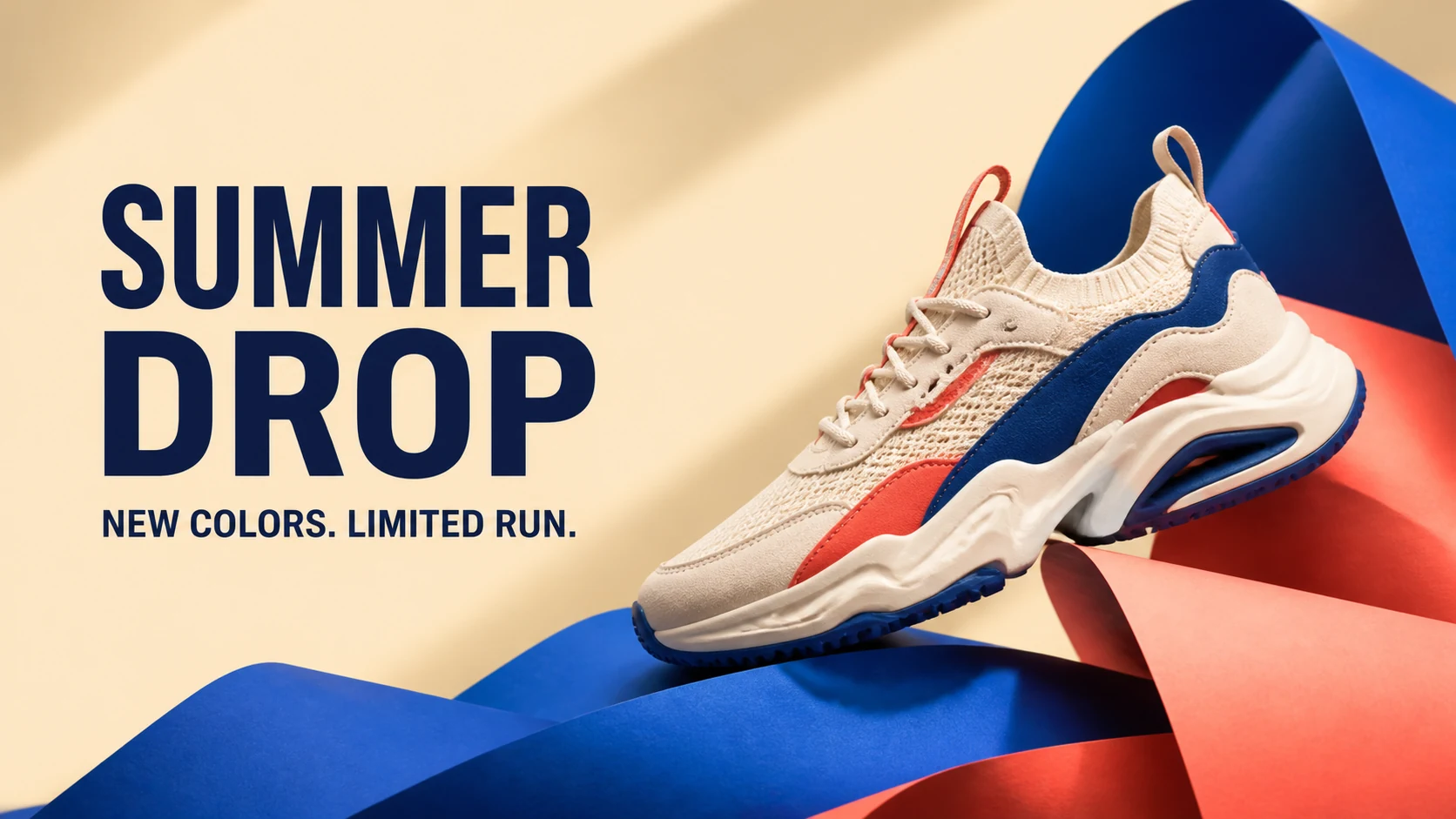
Oversized campaign copy, one unbranded product, and two strong colors create a direct seasonal promotion without a crowded layout.
Campaign brief presets
A useful brief names the destination, one message, one visual idea, a palette, and the intended text placement. Load a preset into the AI Banner Generator, then replace every detail with your campaign.
How it works
The page sends one structured text-to-image prompt through the project's existing Grok Image 2 workflow. Ratio, hierarchy, safe-region, and negative constraints are added automatically.
Use a compact headline and, only when needed, one supporting line. Short copy gives the model fewer opportunities to invent words or lose hierarchy.
Select the destination, style, palette, and text placement. The chosen format maps to a supported wide ratio and the visual brief controls the subject or scene.
Open the result at full size. Verify spelling, contrast, focal placement, and how the design behaves in the latest official template for the destination platform.
Platform-aware starting ratios
The AI Banner Generator maps common jobs to ratios supported by the live image endpoint. These are composition presets, not guaranteed exact pixel exports; platform specifications and safe areas can change.
A flexible wide starting point for homepage and product hero sections.
A wide channel-art composition with key content kept near the center.
An extra-wide cover direction for professional and social profiles.
A compact campaign composition suited to feed and promotion concepts.
A landscape editorial crop for articles, reports, and campaign stories.
Prompt choices that prevent common failures
Banner generators often fail when the prompt asks for several messages, tiny labels, or edge-to-edge essential content. Four constraints make the first result easier to publish or refine.
Use one headline and at most one supporting line. Add prices, legal copy, dates, or complex calls to action later in a design editor when exact text matters.
Keep the headline and focal subject near the center with generous margins. Then test the current desktop, mobile, and large-screen crops for the destination.
Name a restrained palette and ensure the text field has a quiet tonal area. Busy detail behind every letter makes even correct typography difficult to read.
A crop is a design decision, not a mechanical export. Regenerate or recompose each required ratio and recheck the text, focal point, and margins.
Honest output expectations
The AI Banner Generator accelerates concept and composition work. It does not replace final typography, official templates, ad policy review, or a layered design file.
Each AI Banner Generator draft uses 3 credits. Start with one destination and one concise message, then generate a separate version for every ratio that survives your review.
不想订阅时的一次性补量。
包含
项目冲刺用的更大一次性包。
包含
不订阅时的最大一次性包。
包含
Frequently asked questions
What the live tool generates, how ratios work, why short copy matters, and which production checks remain your responsibility.
An AI Banner Generator turns a structured campaign brief into a wide raster image. This page combines a destination, headline, optional supporting line, visual direction, palette, style, and layout, then sends one banner-specific prompt through the project's existing image workflow.
Yes, it provides presets for a website hero, YouTube channel art, a LinkedIn or X cover, a social ad, and a blog header. Each preset maps to a supported aspect ratio. Always compare the result with the destination platform's latest official dimensions and safe-area template.
No image model can guarantee exact typography in every result. Keep the headline short, avoid several small text blocks, and inspect every character. If the wording is business-critical, use the generated visual as a background and typeset the final copy in a design editor.
No. The live endpoint generates supported aspect ratios such as 16:9 and 21:9 rather than exact YouTube, LinkedIn, X, or ad pixel dimensions. Resize or crop the chosen image in a production editor and verify the current platform specification before upload.
Not in this version. There is no Magic Resize or batch multi-size export. Load the same brief, select another destination ratio, adjust the composition if needed, and generate again. Review every version because safe areas and focal crops differ.
A result can be a useful campaign starting point, but generation does not guarantee advertising approval, legal clearance, accessibility, or brand compliance. Review copy, claims, imagery, ownership, contrast, and the destination platform's current policies before publishing.
One message. One visual direction. One wide composition.
Choose the destination first, keep the headline short, and leave room for real-world crops. The guided brief handles the prompt structure so you can focus on the message.
Create a banner