Northline navigation icon
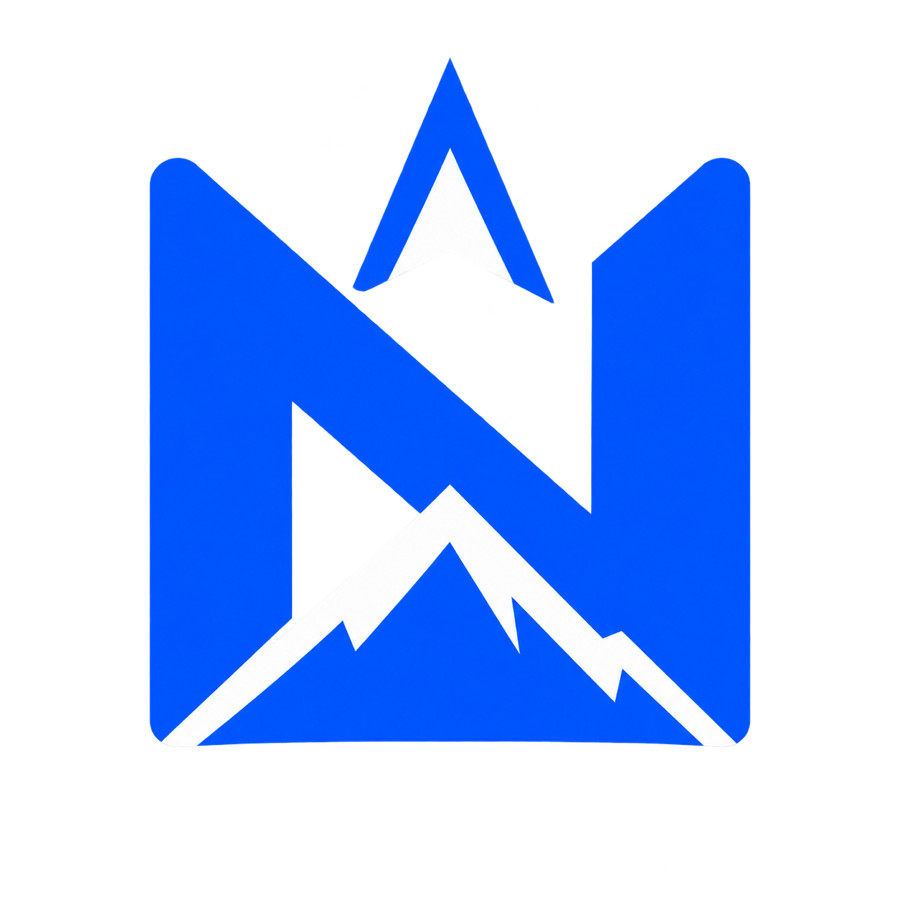
TechA bold N, compass point, and mountain ridge share one square-friendly silhouette designed to remain readable at app-icon size.
Brand brief to finished concept · six visual directions
Give the AI Logo Generator a brand name, one-sentence description, color direction, and logo type. It turns that compact brief into one centered logo concept without making you write a long design prompt.
AI Logo Generator
3 creditsName the industry and one personality trait. Specific brand context helps the AI Logo Generator avoid generic symbols.
Logo type
Visual style
The AI Logo Generator creates one 1:1 raster concept for 3 credits. Exact spelling, transparent alpha, and vector output are not guaranteed.

Your logo concept will replace this example
The preview shows the intended treatment: one focused mark, a restrained palette, and no product mockup or variations grid.
Finished logo examples
These three project-owned transparent PNGs show distinct AI Logo Generator jobs: a compact technology icon, a playful mascot lockup, and a minimal sustainability mark. They are finished examples, not before-and-after comparisons.
A bold N, compass point, and mountain ridge share one square-friendly silhouette designed to remain readable at app-icon size.
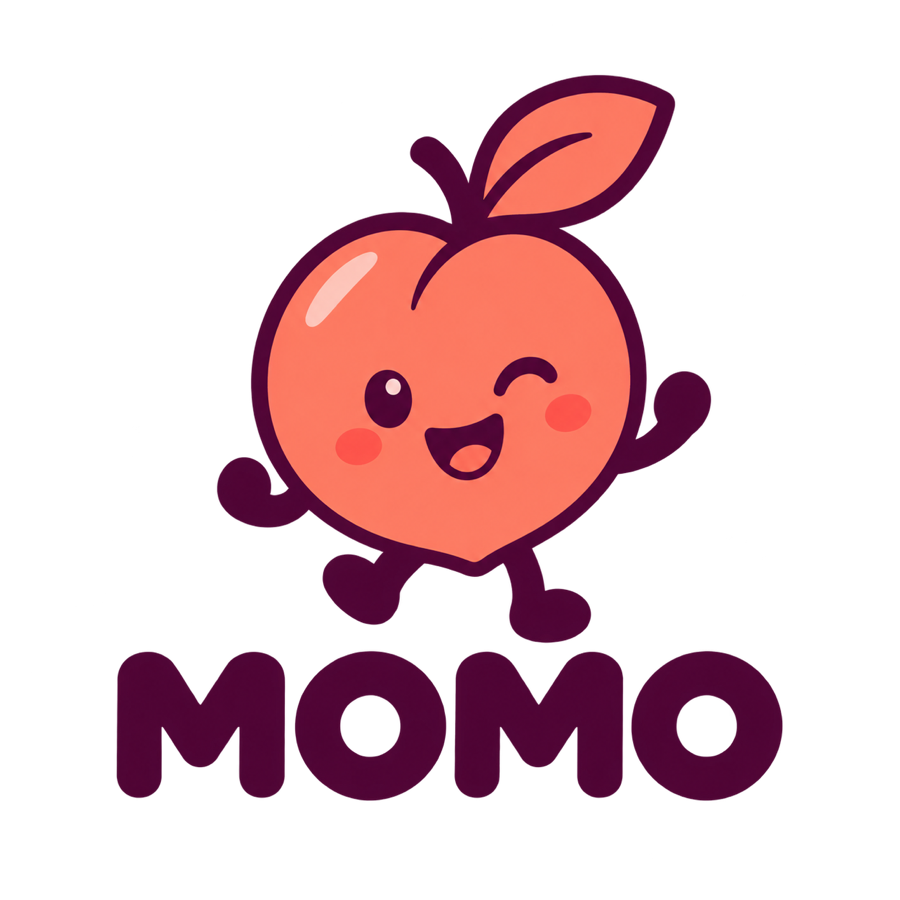
A rounded peach character and short wordmark create a friendly combination-mark direction with a clear neighborhood-cafe personality.
A lamp, sun, beam, and leaf are simplified into one two-color symbol that communicates both light and sustainability.
Brand brief presets
A useful AI Logo Generator brief contains a name, industry, personality, palette, logo type, and style. Load one of six distinct jobs, then replace the details with your own brand rather than starting from a blank prompt.
How it works
The AI Logo Generator uses the project's existing text-to-image workflow. The page converts your structured inputs into a logo-specific prompt with flat-design constraints and instructions that reject mockups, clutter, and unrelated scenes.
Add the name, what the business does, and one personality cue such as precise, friendly, adventurous, or premium. This context is more useful than asking for a cool logo.
Use icon-only for a compact symbol, wordmark for name-led exploration, or combination for both. Then choose a minimal, tech, luxury, playful, vintage, or badge direction.
Open the AI Logo Generator result at full size. Check the spelling, silhouette, balance, small-size readability, and similarity to known brands. Regenerate or refine the best direction in a design editor.
Choose the right logo structure
The AI Logo Generator treats structure as a first-class choice. Selecting the intended logo type gives the model a clearer composition target and makes the result easier to evaluate.
Best for app icons, avatars, favicons, or an existing brand that already has typography. The prompt removes letters so the model can focus on one memorable silhouette.
Best when the name is the identity. AI image models can still misspell or distort letters, so treat wordmark output as a typographic direction and rebuild critical text afterward.
Pairs one symbol with the brand name. It is useful for early identity exploration because the mark and name can later be separated for social, web, or packaging layouts.
Prompt choices that reduce generic output
The AI Logo Generator is most predictable when the brief sets a single communication goal. Four practical constraints make the result easier to judge and easier to refine.
Choose one useful association—speed, trust, warmth, precision, discovery—not a paragraph of unrelated symbols. A logo is stronger when one idea owns the silhouette.
Start with one or two colors and test contrast. A restrained palette exposes weak shapes and translates more easily to monochrome, favicons, stamps, and simple print uses.
The AI Logo Generator asks for exact spelling, but image-model typography can drift. Zoom in, compare every character, and recreate final naming with a licensed font or custom lettering.
A polished image is not proof of originality. Search visual competitors and relevant trademark databases, then involve a qualified designer or legal professional before a commercial launch.
Concept generator, not a finished brand system
The AI Logo Generator accelerates visual exploration. It does not replace brand strategy, production artwork, font licensing, trademark review, or the judgment required to build a coherent identity.
Each AI Logo Generator draft uses 3 credits. Start with the default brand brief, compare a few focused directions, and spend refinement time only on the concepts that survive spelling and similarity checks.
不想订阅时的一次性补量。
包含
项目冲刺用的更大一次性包。
包含
不订阅时的最大一次性包。
包含
Frequently asked questions
What the AI Logo Generator creates, how logo types work, why text can fail, and what to check before using a concept for a real brand.
An AI Logo Generator turns a brand brief into a logo-style image. This implementation asks for the brand name, description, palette, logo type, and visual style, then adds composition and negative constraints for one focused concept. It is intended for visual exploration rather than automatic delivery of a complete brand identity.
No. The live AI Logo Generator returns a raster image concept through the existing image API. Vector-like describes the visual treatment, not the file format. Recreate or vectorize the selected concept in Illustrator, Affinity Designer, Inkscape, Figma, or another suitable design tool before final production.
It may, but exact spelling is not guaranteed. Icon-only mode avoids the problem. For wordmarks and combination marks, inspect every character and treat the generated lettering as a direction. Add the final name afterward with properly licensed typography when accuracy matters.
Not every live generation will contain a true alpha channel. The model may return a solid presentation background or a transparent-looking image. Open the PNG in an editor that displays transparency, check the alpha channel, and remove the background separately when needed.
Do not assume that generation alone provides commercial clearance. Review the image model's terms, verify any fonts or assets, search for confusingly similar marks, and obtain qualified legal advice when the brand has meaningful commercial value or trademark risk.
Use the brand name, a plain description of the business, one or two personality cues, a restrained palette, and the intended logo type. Avoid asking for many symbols at once. A narrow brief gives the AI Logo Generator a clearer hierarchy and usually produces a more usable first concept.
Your first direction starts with a compact brief
Choose the logo structure, name one brand idea, and keep the palette restrained. The AI Logo Generator handles the prompt framework so you can judge the visual direction.
Create a logo concept